Select a Client
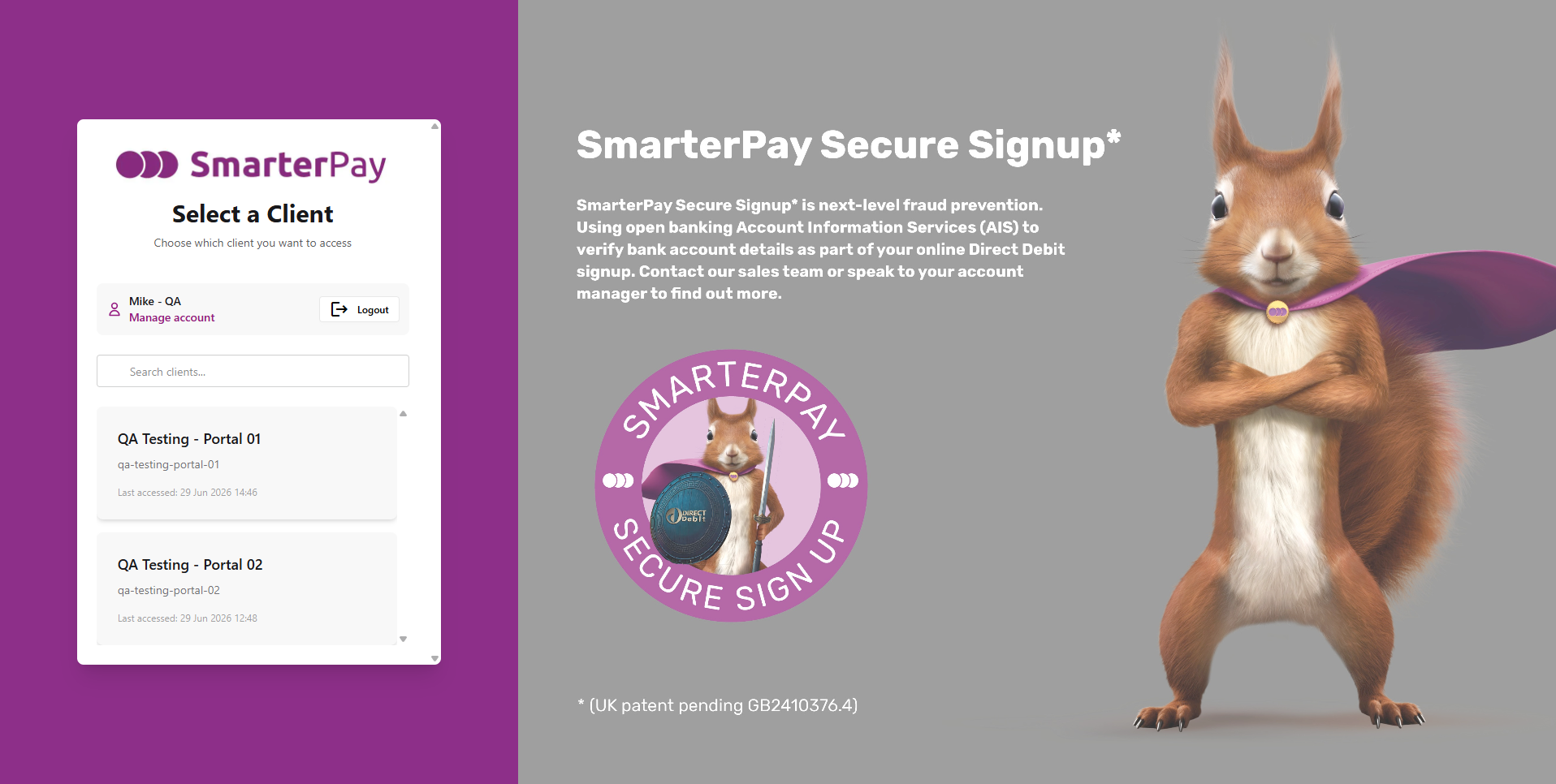
Users that have access to more than one client, through invitation, can see the list of available clients on this page.
Actions
Available actions, subject to permissions, are:
| Action | Description |
|---|---|
| “Manage account” | Opens the User Manage Account page. |
| “Logout” | Logout of the SmarterPay Cloud. |
| “Search clients…” | Filters the list based on the value (contains). For example typing “02”, in the above example, will show just the “QA Testing - Portal 02” client. |
| Client selector | Clicking on the Client will switch to it, and take you to the Overview page. |