Login
1.

Click “Start” → “All” → “SmarterPay File Utility”
2.
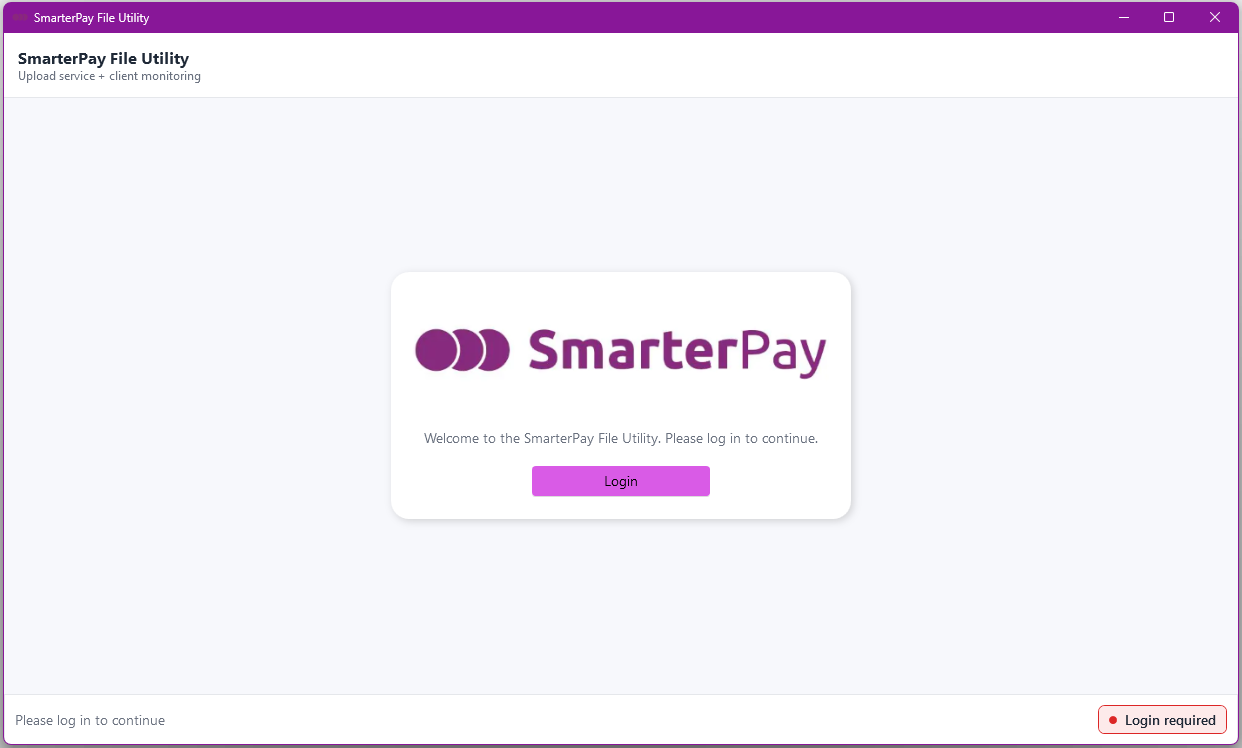
Click “Login”
3.
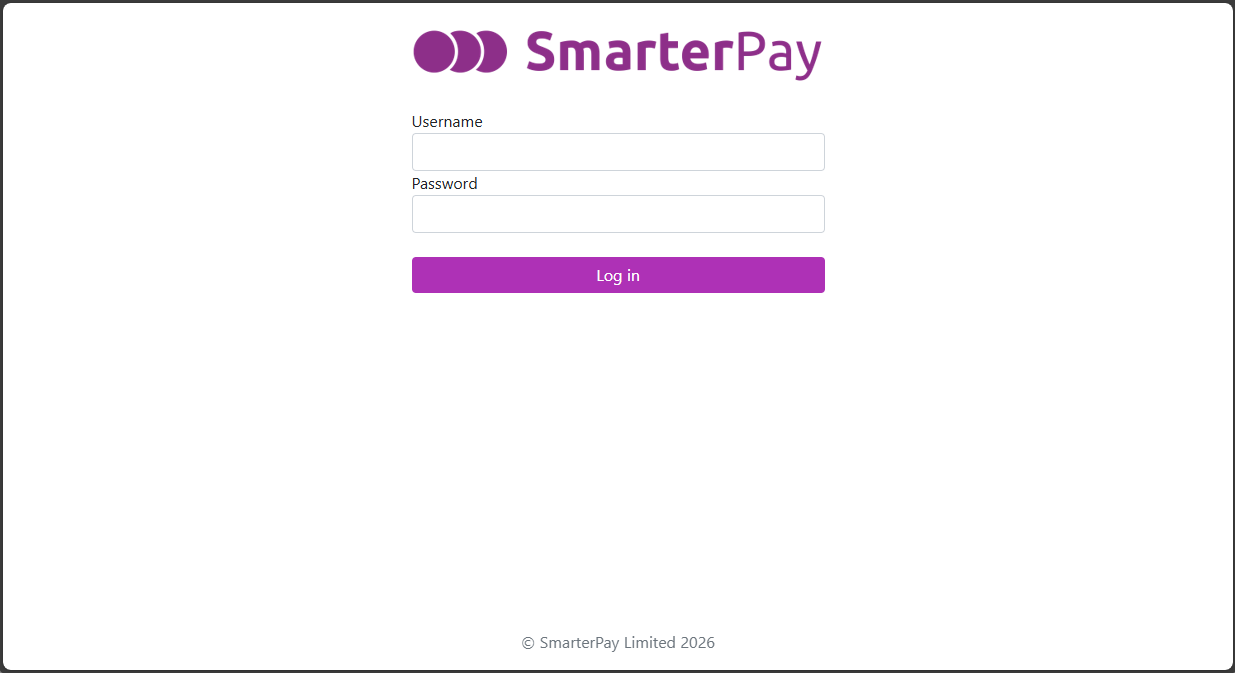
A browser window will be opened and you will be asked to enter your login details.
Click “Log In” and proceed through the MFA on the account.
4.
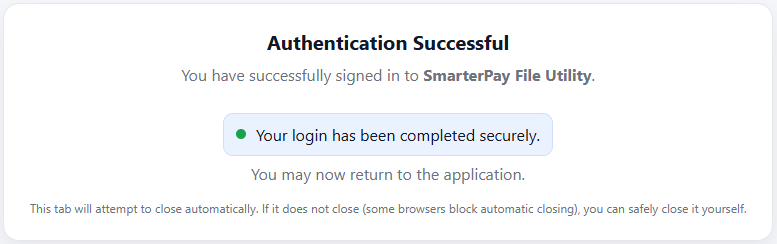
Once logged in the browser window can be closed.