Submission Profiles
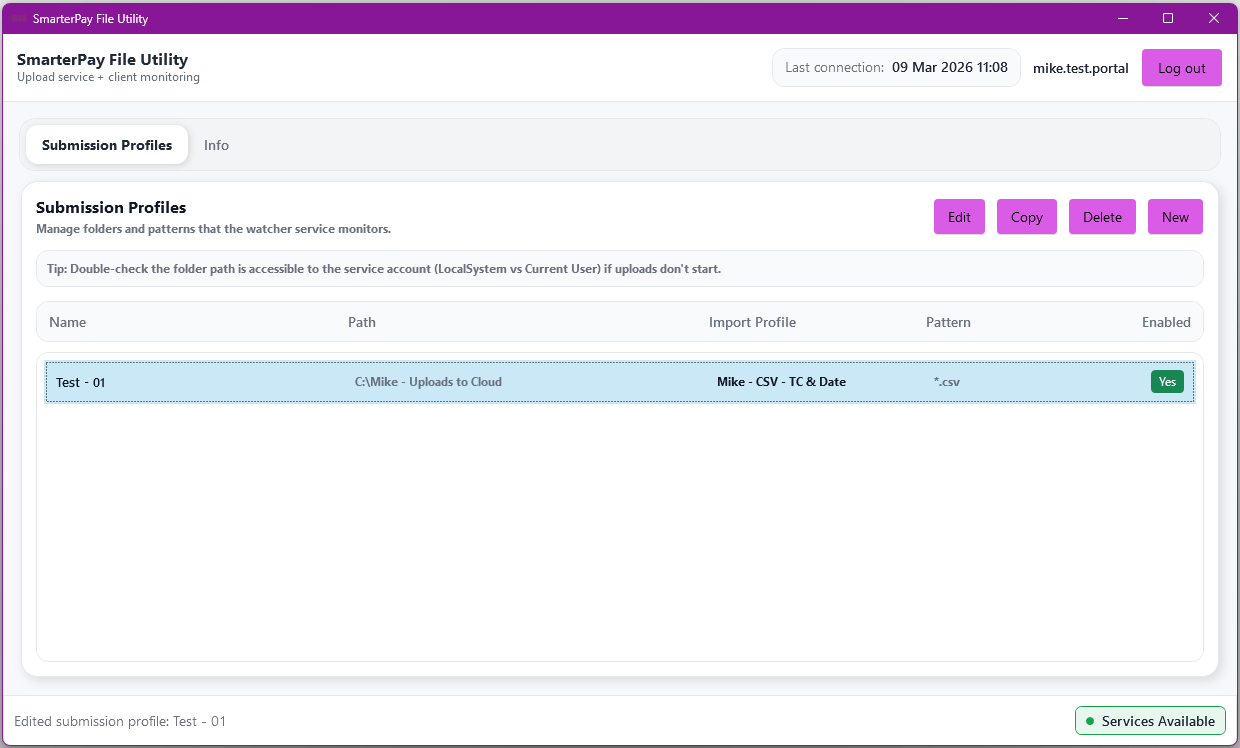
Please Note: Clicking the “X” (Close) button only closes the application window, it remains running in the background.
Actions
| Action | Description |
|---|---|
| “Log out” Button | Logs the application out of SmarterPay Cloud. |
| “Info” Tab | Switch to the Info tab. |
| “Edit” Button | Visable when Profile Selected. Edit the Submission Profile. |
| “Copy” Button | Visable when Profile Selected. Copy the Submission Profile. |
| “Delete” Button | Visable when Profile Selected. Delete the Submission Profile. |
| “New” Button | Create a New Submission Profile. |