Detail View


Actions
Available actions, subject to permissions, are:
| Action | Description |
|---|---|
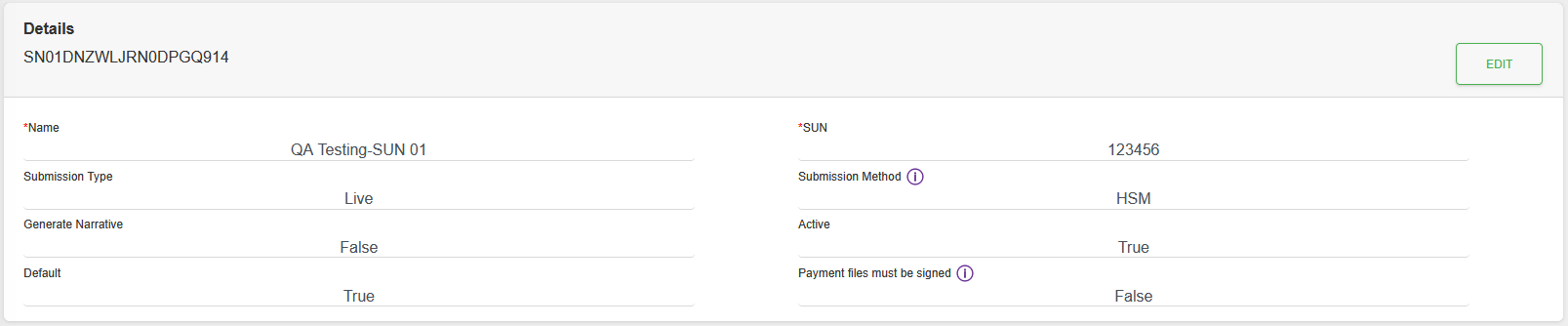
| ** Details ** | |
| “EDIT” Button | Edit the record. |
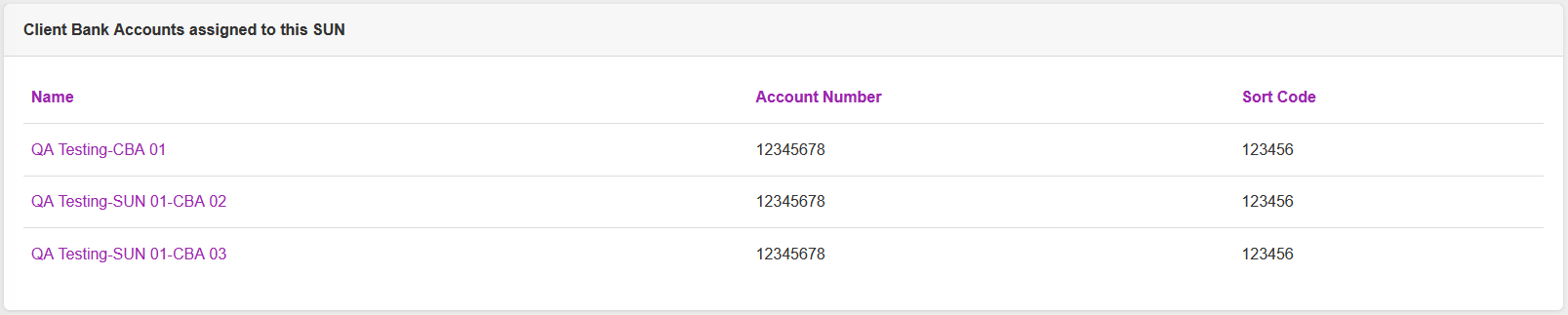
| ** Client Bank Accounts assigned to this SUN ** | |
| Name of the Client Bank Account Record | View the Details of the Client Bank Account record. |
| ** Bureau Profile ** | |
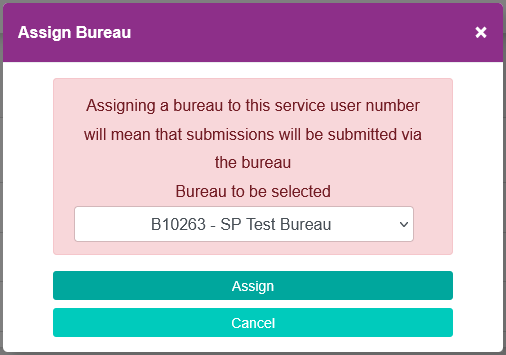
| “ASSIGN BUREAU” Button | Visible when no Bureau has been assigned. Opens a dialogue to select the Bureau.
Use the drop down list to pick the Bureau. |
| “EDIT” Button | Visible when a Bureau has been assigned. Allows the Bureau assignment to be changed.Opens a dialogue to select the Bureau.
Use the drop down list to pick the Bureau. |
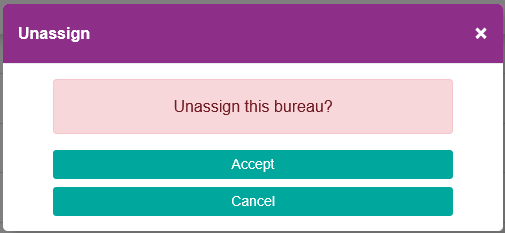
| “UNASSIGN” Button | Visible when a Bureau has been assigned. Opens a dialogue to unassign the Bureau.
Click “Accept” to unassign the Bureau, or click “Cancel” to keep the bureau assignment. |
| ** Generate Test Submission ** | |
| “GENERATE” Button | When Submission Type is not “Live”. Generates a test file, of the submission type, to send to Bacs. Can be seen under the Submissions menu. |